Copy object-fit, object-position and aspect-ratio for Figma image layers
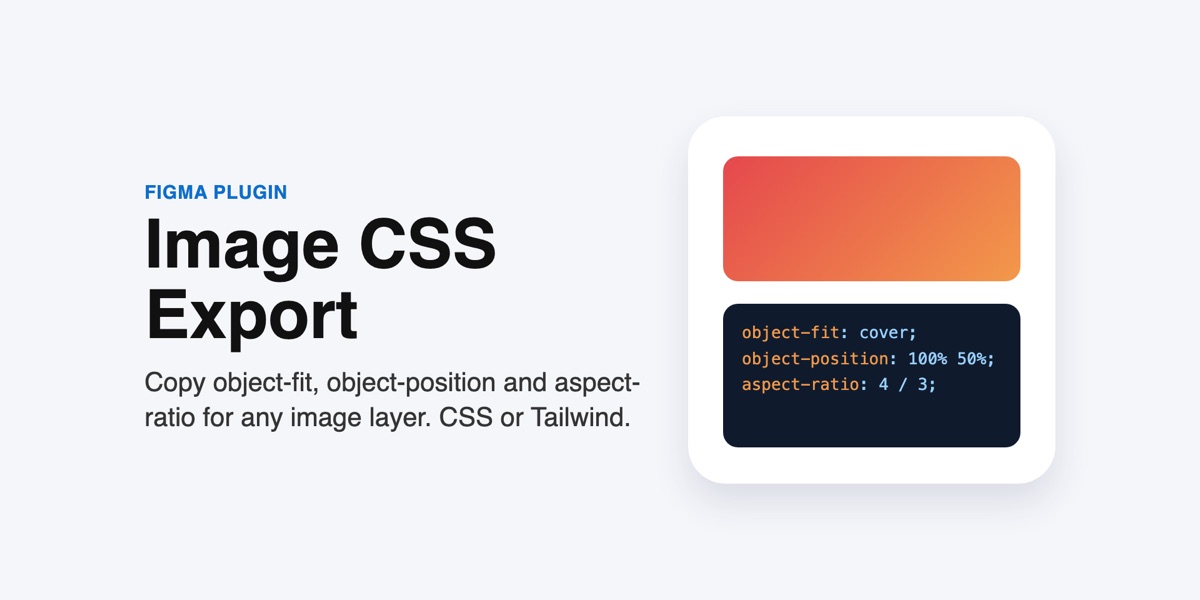
Figma shows how an image sits inside its layer, but developers need the CSS. Image CSS Export reads each image fill and gives you the matching code, as plain CSS or Tailwind classes.
Status: live on Figma Community. One-time purchase, $5, paid through Figma.
Get Image CSS Export on Figma Community
What you can do
- object-fit: cover or contain, from the layer's Fill, Fit or Crop setting
- object-position as exact X % and Y % values, read from the crop
- Optional width, height and aspect-ratio for each layer
- Optional class selectors named after your layers
- Tailwind classes such as object-cover object-right-bottom, or arbitrary values like object-[50%_25%]
- Many layers at once, in one block you can paste straight into your stylesheet
Good to know
- Works with images positioned by Figma's Fill, Fit and Crop modes, including crops made with Image Anchor.
- Zoomed-in crops add a transform: scale() line to approximate the zoom; put the image in a wrapper with overflow: hidden.
- Tiled and rotated images are skipped and counted in the message.
Privacy
The plugin runs entirely inside your Figma file. It declares no network access in its manifest, so it cannot send anything anywhere: no servers, no analytics, no account. It does not store anything and does not change your design. Details in the privacy notice.
Pricing
$5 one time, sold and billed by Figma. Figma handles payment, receipts and refunds.
Works well with
Image Anchor, which positions images the way this plugin then exports.
Support
Email support@sidecartools.com. Replies within two business days.