Pin Figma image fills to any edge, corner or focal point
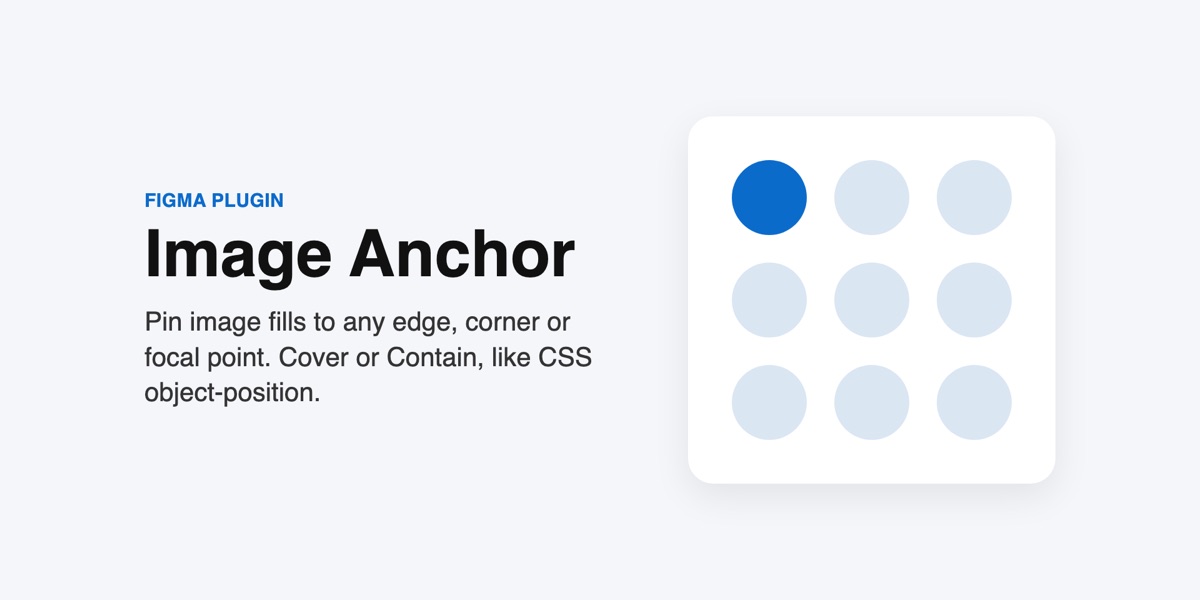
Figma's Fill mode always centres an image. Image Anchor lets you choose where it sits, like CSS object-fit and object-position, so what you design matches what the browser renders.
Get Image Anchor on Figma Community
What you can do
- Cover (fill the layer, crop the overflow) or Contain (show the whole image)
- Anchor to any of 9 points, or type exact X % and Y % values
- Zoom in on the anchored point
- Focal point mode: keep a chosen point as close to the centre as the image edges allow
- Apply to many image layers at once; select a frame and the plugin finds the images inside
- The anchor is saved on each layer, so you can re-align after a resize with one click
Good to know
- Figma has no built-in constraints for image fills, so re-aligning after a resize is a click (or tick "Re-align automatically").
- Anchored images use Figma's Crop mode, so the image panel shows "Crop".
- Images rotated with Figma's rotate button are skipped and listed in the message.
Privacy
The plugin runs entirely inside your Figma file. It declares no network access in its manifest, so it cannot send anything anywhere: no servers, no analytics, no account. It saves a small anchor setting on each layer (as plugin data inside your file) so it can re-align after a resize. Details in the privacy notice.
Pricing
$5 one time, sold and billed by Figma. Figma handles payment, receipts and refunds.
Works well with
Image CSS Export, which turns anchored images into the matching CSS or Tailwind.
Support
Email support@sidecartools.com. Replies within two business days.